
Help Center › Galleries & Photos › Camera Wi-Fi direct upload: skip the phone entirely
Camera Wi-Fi direct upload: skip the phone entirely
Most current Nikon, Canon, Sony, and Fujifilm cameras can send photos over Wi-Fi straight to a computer, using a feature already built into the camera. Image Depot Sync can catch those photos the moment they arrive and upload them into your gallery automatically -- so clients see photos appear live, without you ever touching a phone.
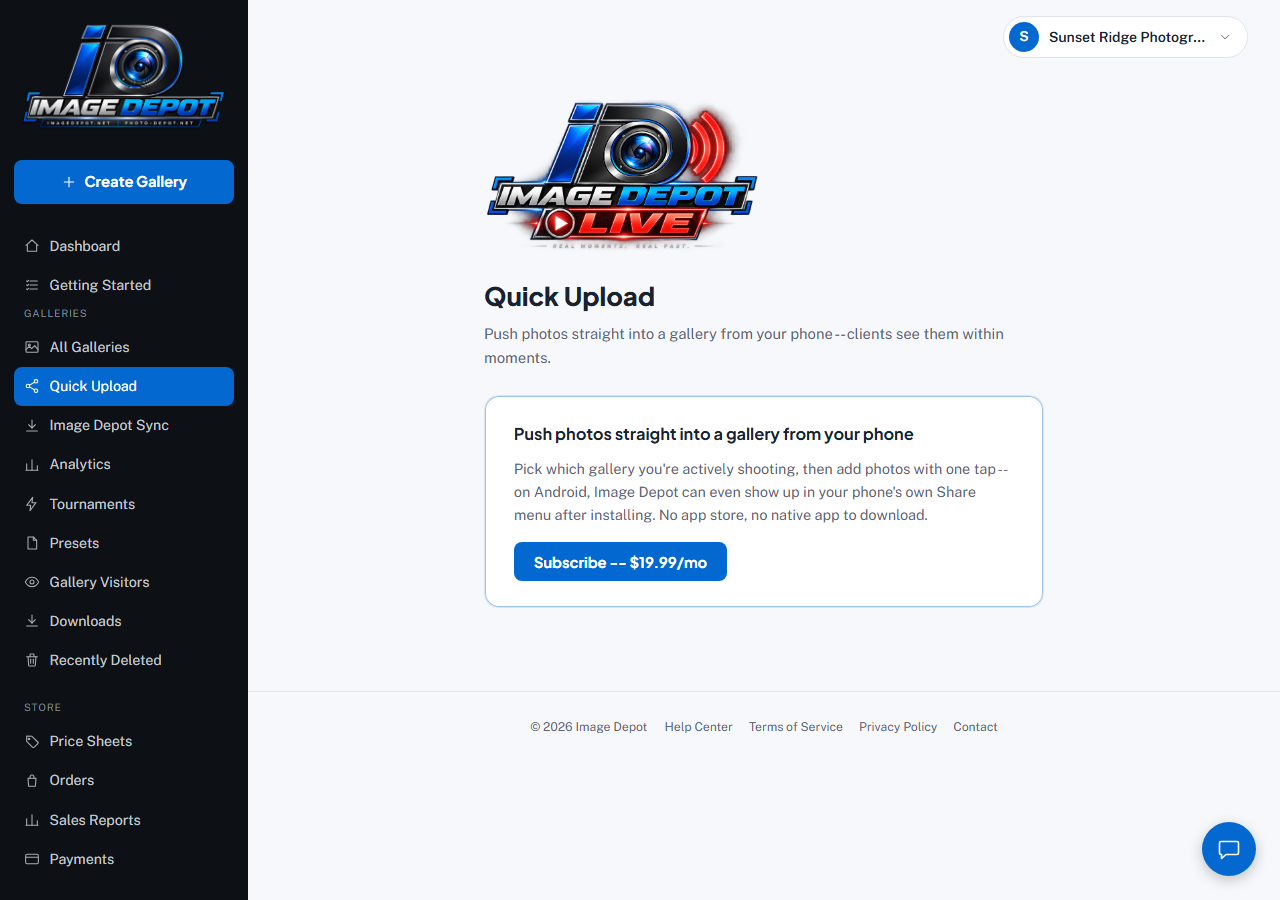
Camera Wi-Fi direct upload is turned on from the same Quick Upload page in your sidebar -- this account hasn't subscribed yet, so it shows the Subscribe button.
What you need
- The Image Depot Sync app installed and paired on the computer you'll have with you at the shoot.
- An active Quick Upload subscription.
- A camera with its own built-in Wi-Fi FTP feature (most current Nikon, Canon, and Sony bodies have this).
Setting it up -- 3 steps
- Pair your computerIn your dashboard, open Quick Upload and, under Pair a computer (camera Wi-Fi upload), click Generate a pairing code. In Image Depot Sync, turn on Camera Wi-Fi upload and type in that code (it expires after 5 minutes). Image Depot Sync then starts a small, private upload server right on your own computer -- nothing leaves your computer except straight to Image Depot, the same as a normal upload.
- Get your camera's connection detailsImage Depot Sync shows you four things: a Server address, Port, Username, and Password. These are specific to your computer and change if you re-pair, so always use what's on screen at setup time.
- Enter them on your cameraEvery brand's menu is worded a little differently, but the four values above are exactly what your camera will ask for -- plus one setting every brand needs: passive mode (PASV) on. See the brand guide for yours, with pictures of each screen: Nikon, Canon, Sony -- these are the same setup steps used for Image Depot Live's camera-FTP mode, just pointed at your computer's address instead of your phone's.
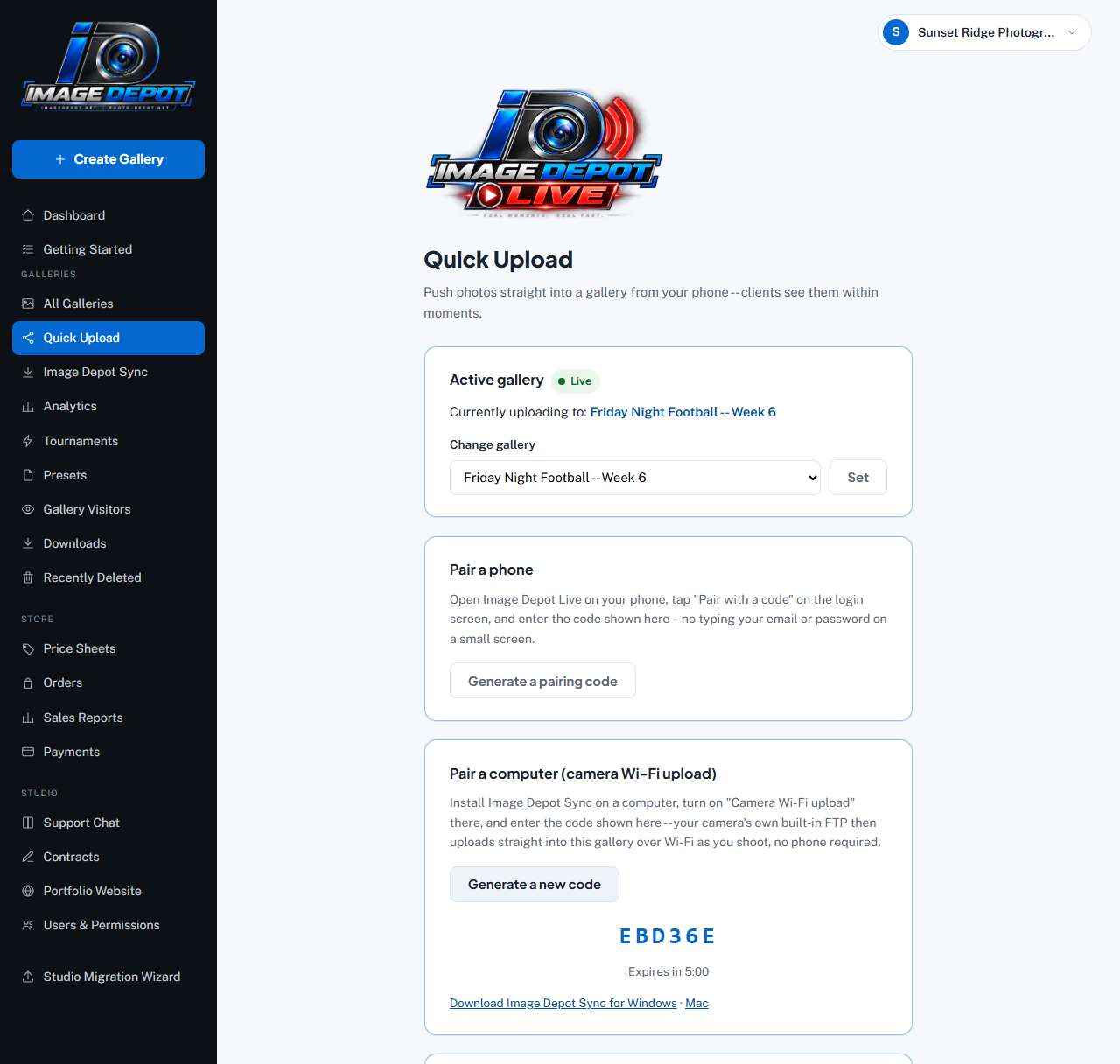
Once you're subscribed, the Quick Upload page shows Pair a computer (camera Wi-Fi upload) -- generate a code here and type it into Image Depot Sync.
RAW vs. JPEG
Only JPEG/PNG/WebP/HEIC files are uploaded -- a RAW file transfers to your computer fine but is intentionally skipped, never sent to your gallery. If your camera shoots RAW+JPEG, only the JPEG half uploads (also the faster setting).
Still stuck?
Contact usAlready logged in? Message us from Support Chat in your dashboard.